.svg)
Favourite Our Dune Board
Boost board visibility and community interest by rewarding users who favourite your Dune board.
What's Included
Favourite our Dune Board
Task: Favourite our {{ taskInputs.communityName }} Dune Board!
How to Add a Board to Your Favourites on Dune
-
Sign in or create a Dune account
- Visit Dune and log in. If you don't have an account yet, sign up—it's free.
-
Open the board and star it
- Navigate to the {{ taskInputs.duneBoardName }} board URL: {{ taskInputs.duneBoardUrl }}
- On the board page, click the Star icon to add it to your favourites.
-
Verify the board in your Favourites tab
- Open the Favourites page at https://dune.com/discover/content/favorites.
- You should see the {{ taskInputs.duneBoardName }} board listed under your favourites. Starring a board automatically places it in this list.
-
Submit screenshot proof
- Take a screenshot of your Favourites page showing the {{ taskInputs.duneBoardName }} board.
- Upload this screenshot as proof.
- Example screenshot proof accepted:
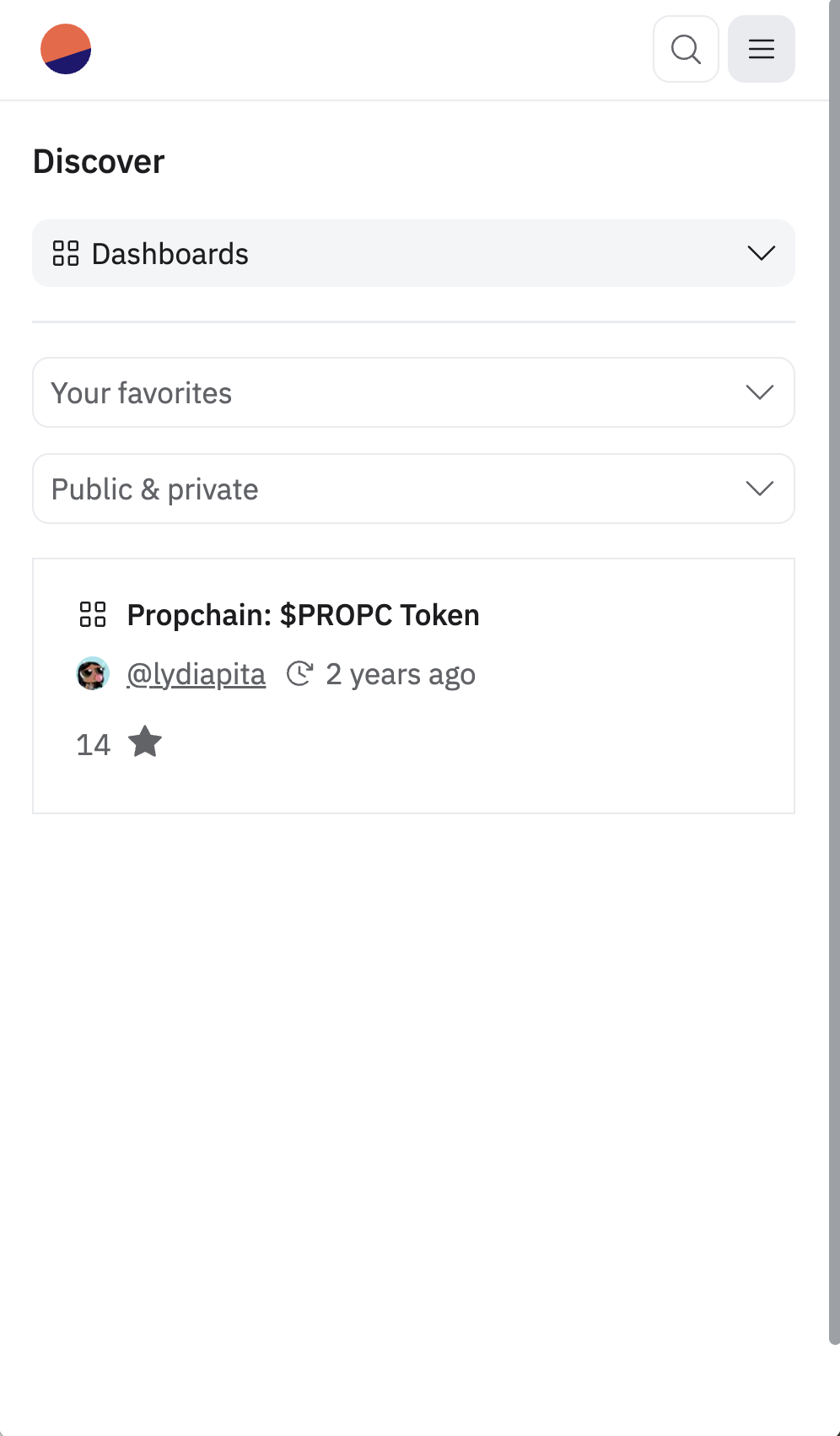
Following these steps will add the {{ taskInputs.duneBoardName }} Dune board to your favourites and provide you with the necessary proof of completion.
How to Use This Template
Click "Use This Template"
Sign up or log in to your Domino account and import this template into your workspace.
Customize Your Quest
Adjust the quest name, description, rewards, and task parameters to match your campaign goals.
Launch & Engage
Publish your quest and share it with your community. Verification happens automatically.
Related Templates



Ready to engage your community?
Use this template to launch your quest in minutes—or book a demo to see how Domino can power your campaigns.